Prepare your synchronisation project
Before connecting your store to Sage 100, list your versions, modules and the flows you want to automate. Identify the source of each data item: prices, stock and customer records need clear rules between both environments.
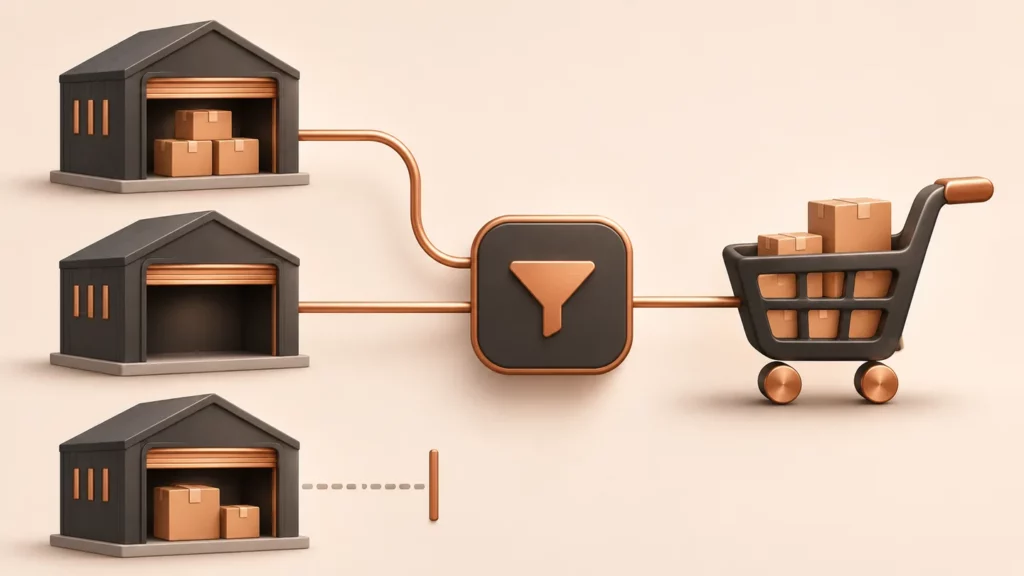
Stock: choose which availability to publish
Physical, available or projected stock: the choice depends on your organisation. Specify warehouses, reservations and the desired update frequency. Test out-of-stock cases and simultaneous orders.
Understand stock synchronisation →
B2B: preserve your commercial rules
List your customer prices, discounts, item or family terms and cumulative discount rules. Check mappings between Sage accounts and PrestaShop customers using representative examples of your sales terms.
Explore advanced B2B pricing →
Orders: define the transfer stages
Decide which statuses trigger imports, how to identify customers and how to handle payment methods, shipping and special items. A test order should cover your real journey, from basket to business management.
Catalogue: prepare mappings
Existing items, categories, ranges, packaging and assemblies: inventory your references before launch. Mappings and publishing rules are defined according to your catalogue and plan.
Organise your items and variants →
Talk directly to the software publisher
Alternetis has published business software since 2009. Share your Sage 100 and PrestaShop scenarios to define a scope suited to your B2C or B2B activity.